Apply Passport is a privately owned organization that is not associated with any government agency.

How to Apply

Step 1

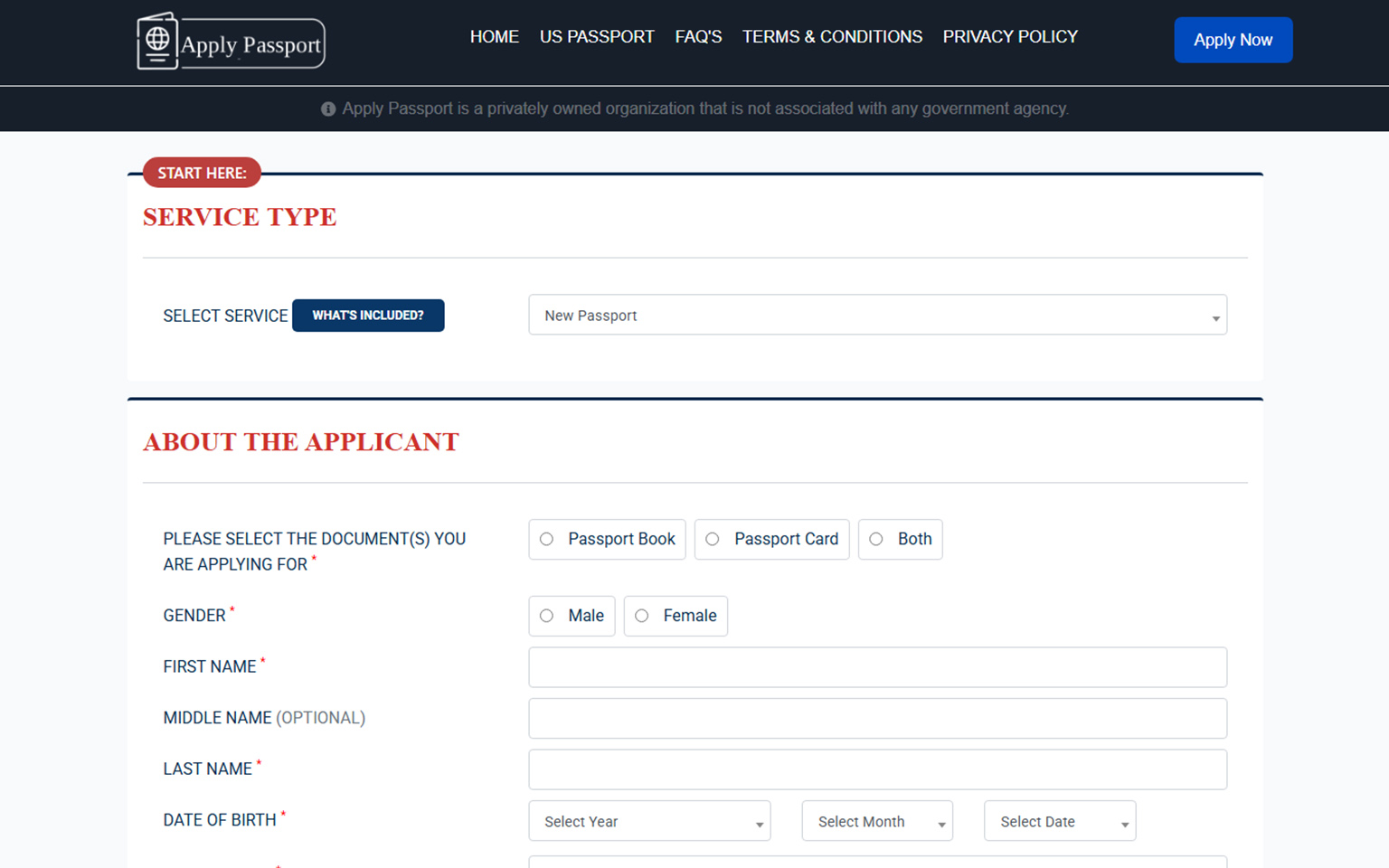
Fill & Submit Your Application

Start your passport application easily with ApplyPassport.us. Fill in your personal details carefully and ensure that all the required fields are complete and accurate. This step initiates your passport process, so double-check the information before moving forward. Our platform is designed to make your application experience smooth, secure, and straightforward — whether it’s your first passport or a renewal.
Step 2

Preview & Confirm Details

Before final submission, review your application details thoroughly. The preview stage allows you to verify every piece of information you’ve entered, ensuring there are no errors or missing data. If you notice any inaccuracies, you can easily go back and make corrections. This step helps maintain accuracy and transparency throughout the process, giving you full control before payment and submission.

Step 3

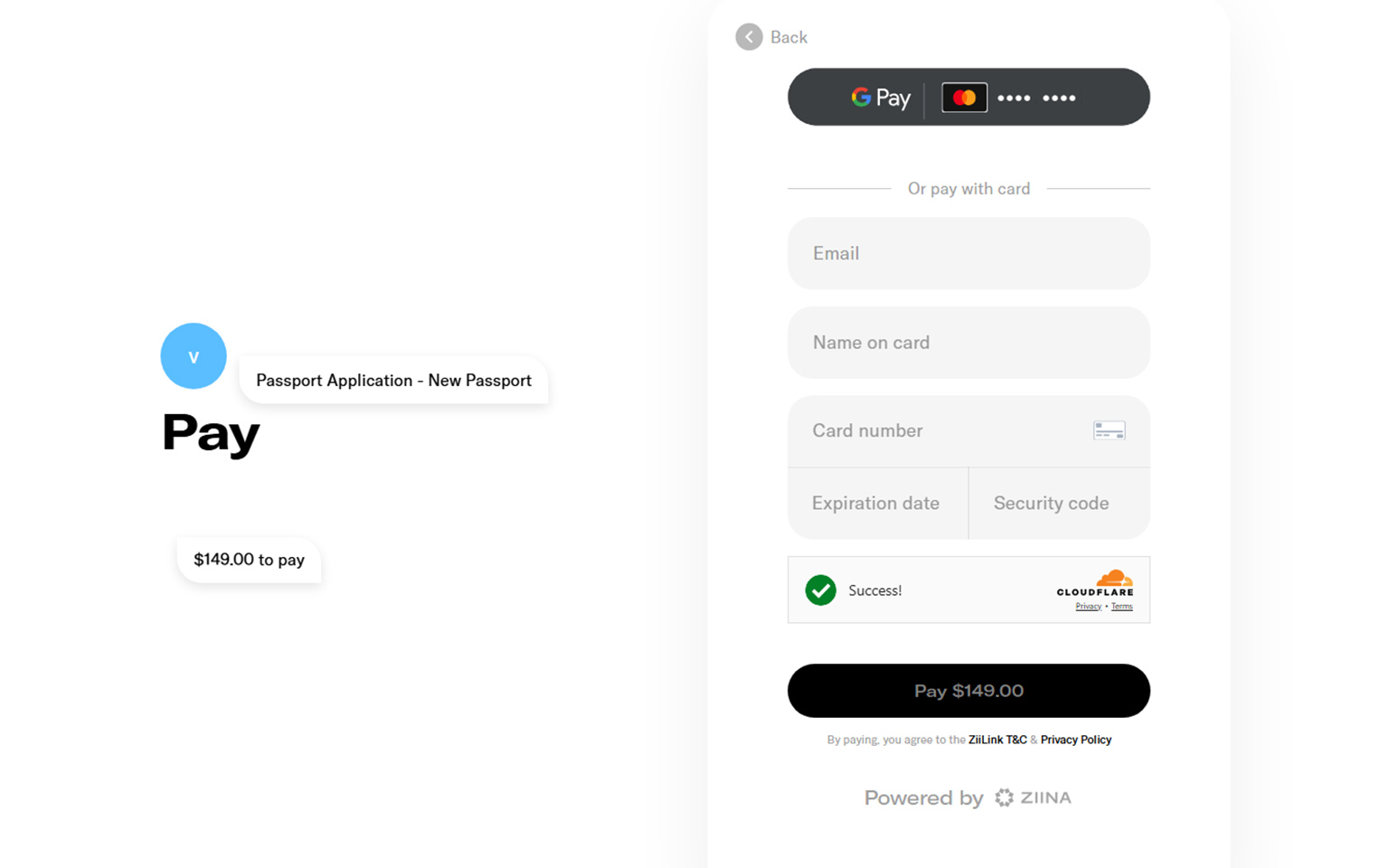
Complete Secure Payment

Once you’ve verified your information, proceed to make your payment securely. ApplyPassport.us uses trusted and encrypted payment gateways to protect your financial details. You can choose from multiple payment options — including credit/debit cards, PayPal, and other convenient methods. Upon successful payment, your application will be processed immediately for the next stage.

Step 4

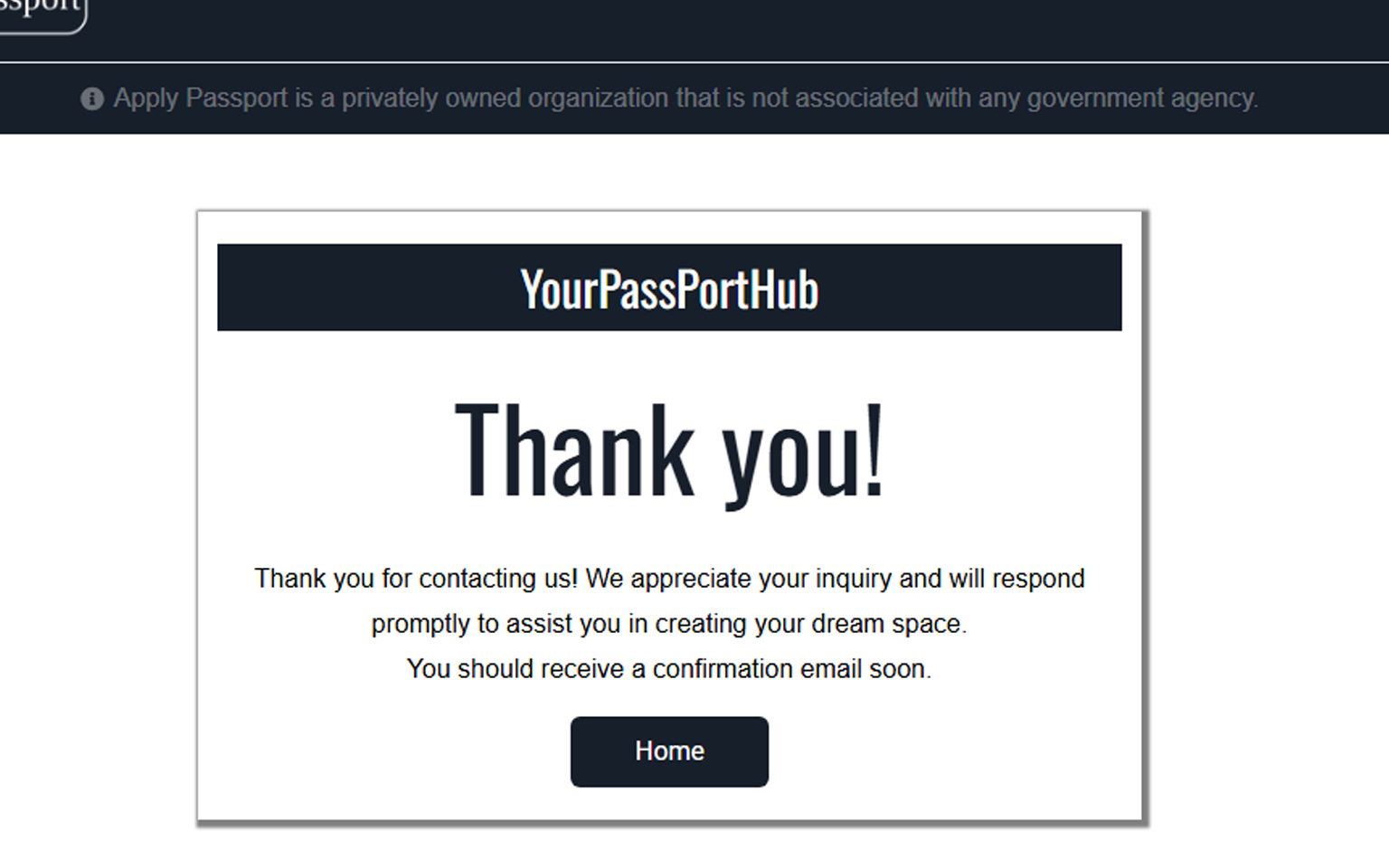
Thank You — Application Received

Thank you for submitting your application through ApplyPassport.us! Your request has been successfully received and is now being reviewed by our processing team. You will receive an email confirmation along with your application reference number. Keep this reference for tracking your status or future communication. We appreciate your trust in our service.

Step 5

Download Your Receipt / Files

Once your application has been processed, you can download your confirmation receipt and related documents directly from your ApplyPassport.us dashboard. These files serve as proof of your submission and payment. Save them securely for your records. You may also print or email them for future use or verification purposes.